

Before you begin
- You need the Company owner, Company admin or Company developer role to see the Usage page. Other people get You don’t have access to usage. People with a project role see their projects’ Usage tab instead.
- Only company owners and admins can create, update or delete a usage alert. Company developers see the alert but can’t change it. See Users and roles.
Open the Usage page
In the sidebar, under Company, click Usage. The page opens on the current billing period. Every filter you pick is kept in the page’s URL, so you can reload the page or share the link with the same view.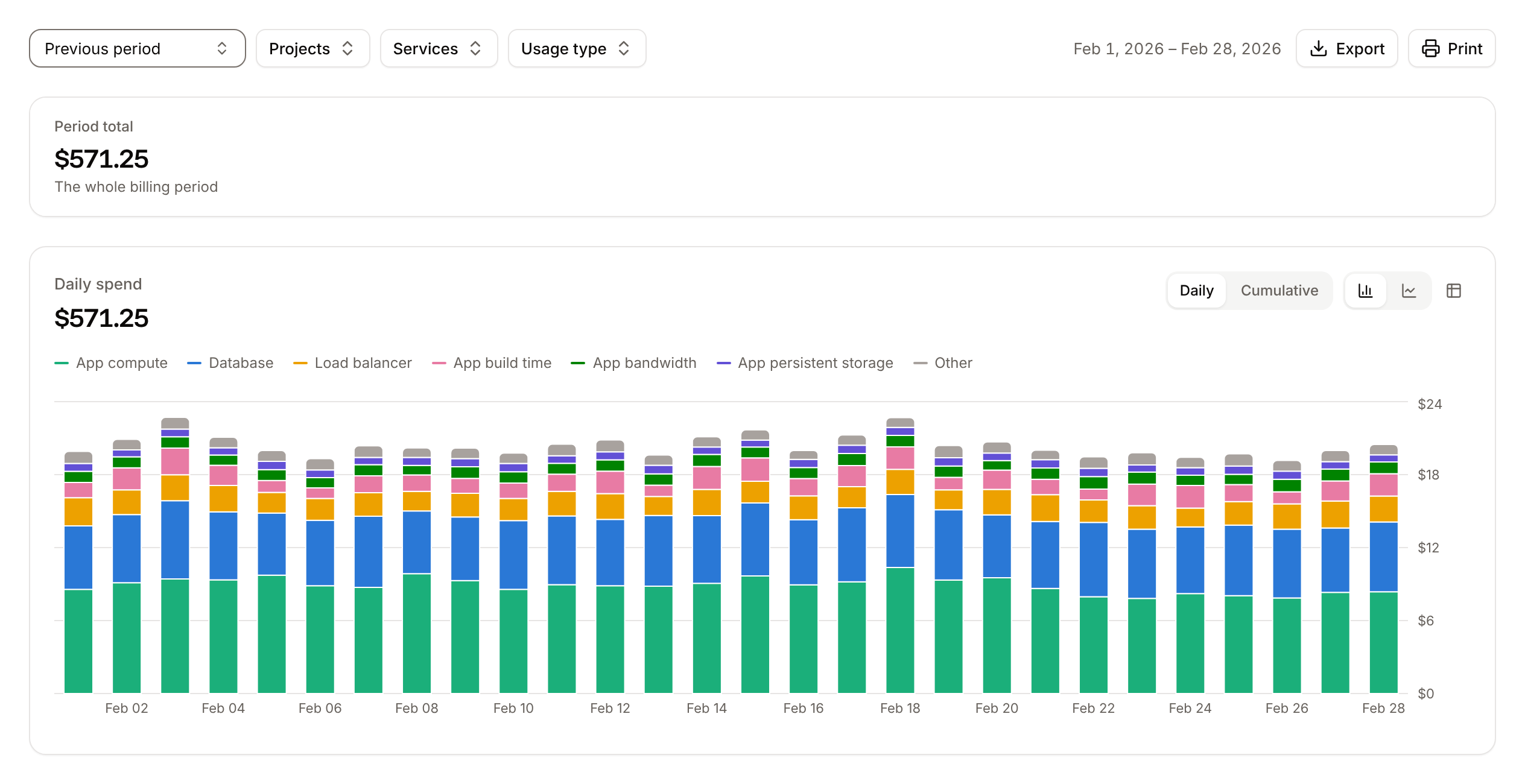
Read the summary
All amounts include tax.
With Previous period selected, the summary shows only Period total.
Filter the usage
Use the controls above the summary. Each filter narrows the summary, the chart, the breakdown and the export.Read the chart
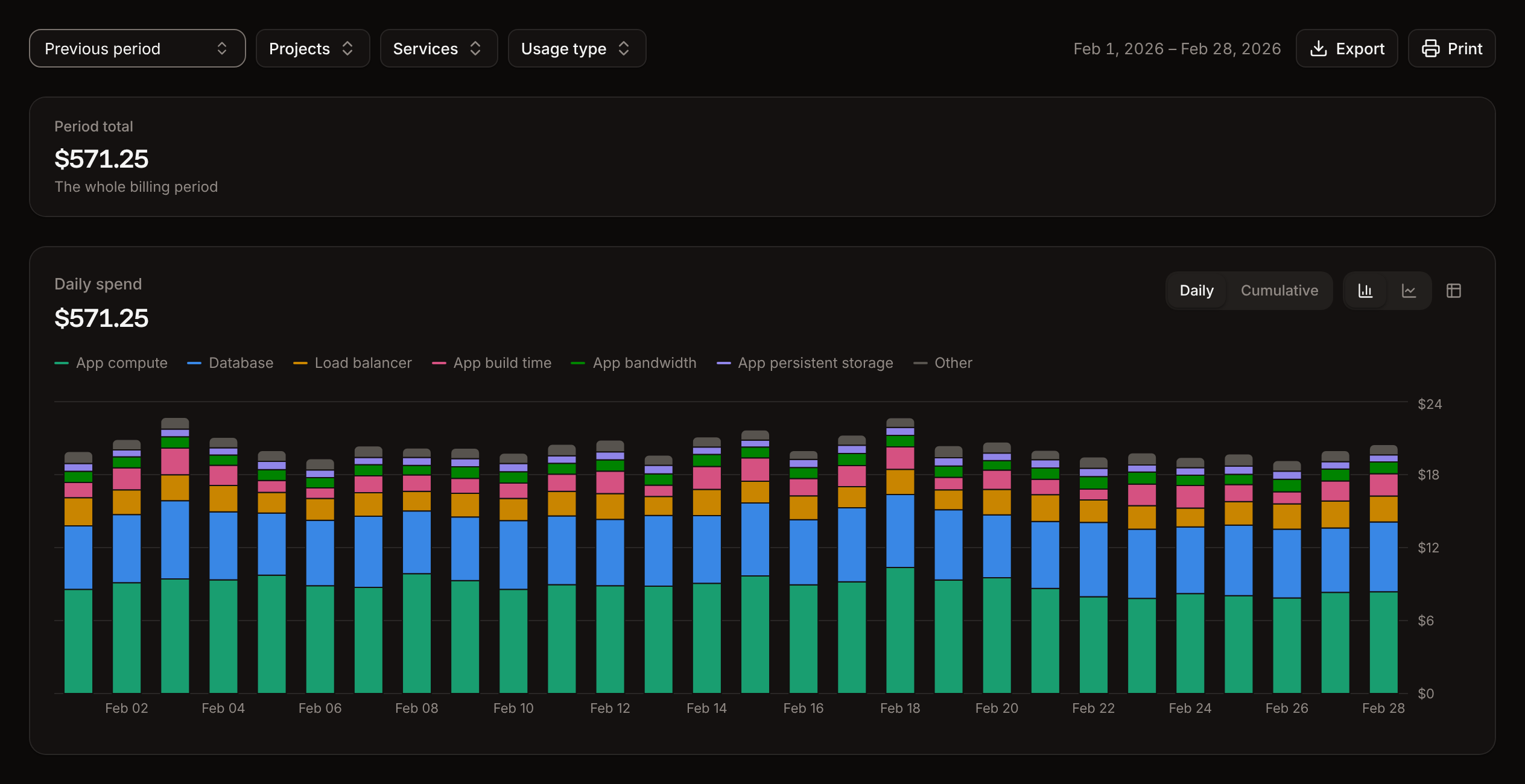
The Daily spend chart stacks each day’s spend by usage type. Up to seven usage types show by name; with more, the six largest show and the rest add up to Other. Switch between Daily and Cumulative (titled Spend over the period), between bars and lines, or click the table icon to see the values as a table. In the current period, the rest of the period shows the forecast, hatched on bars and dashed on lines. Hover a usage type in the breakdown to highlight it in the chart.Read the breakdown
The Breakdown table lists every usage type with a cost in the period, largest first:Usage types
Prices for each are on Pricing.
Export or print the usage
Click Export, then Export as CSV or Export as JSON. The file contains the breakdown as filtered: each service’s net cost, gross cost and tax per usage type, rounded to cents. The CSV columns areService type, Service, Net, Gross and Tax. Export is unavailable when the filtered period has no cost.
Click Print to print the page without its controls.
Project usage
A project’s Usage tab shows the same spending for the services in that project, with its own usage alert. See Projects.Usage alerts
A usage alert sets a budget in USD for a billing period and sends an email when spending crosses a percentage of it. Alerts only notify: they never stop, suspend or limit a service.
Because usage takes 6 to 8 hours to arrive, an email can arrive a few hours after spending crossed the threshold.
Create a usage alert
1
Open the Usage page
In the sidebar, under Company, click Usage. For a project alert, open the project and click its Usage tab instead.
2
Start the alert
In the Usage alert card, click Add alert.
3
Set the budget
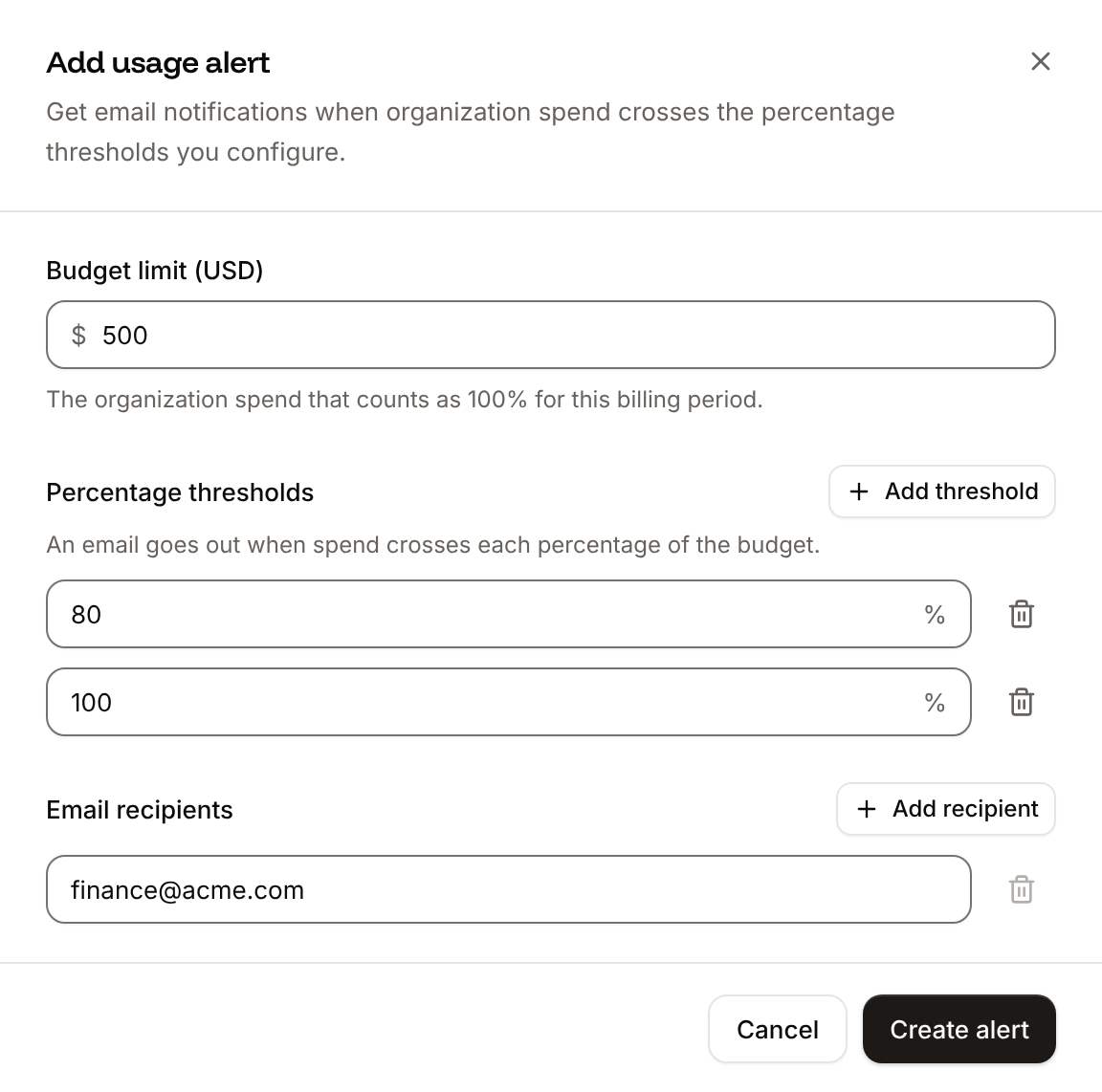
In Budget limit (USD), enter the spending that counts as 100% for a billing period, for example
500.4
Set the thresholds
Under Percentage thresholds, keep or change
80 and 100. Click Add threshold for more, or the trash icon to remove one.5
Add the recipients
Under Email recipients, enter an email address. Click Add recipient for each additional address.
6
Save the alert
Click Create alert.
$229.03 of $500.00 · 46% used), a bar with each threshold marked (red past 100%), when the budget resets, each threshold with Not sent yet or when it was sent, and the Email recipients.
Update a usage alert
In the Usage alert card, click Update, change the budget, thresholds or recipients, and click Update alert. Saving replaces the thresholds, so a threshold that already sent this period sends again at the next hourly check if spending is still past it.Delete a usage alert
In the Usage alert card, click Delete, then Delete alert. No more emails go out for it. Deleting a project deletes its usage alert too.Validation messages
API and CLI
Add
--project-id <id> to create for a project alert. A project alert’s project can’t be changed: delete the alert and create a new one.