

Company-level users can fully manage projects. Project developers can add new services to a project, but they cannot add existing services or remove services.
Create a project
To create a new project, within Projects, click Create project. Give the project a name and click Create project.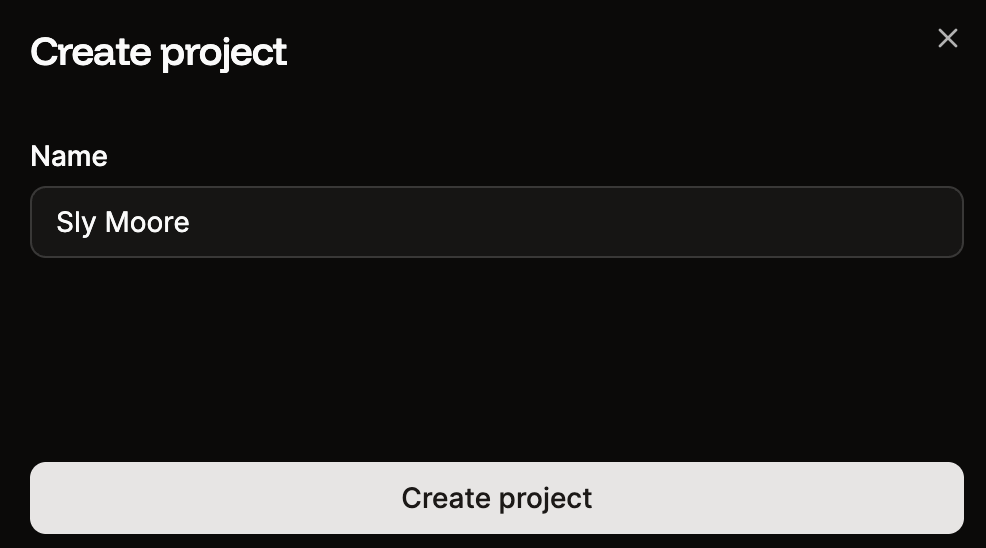
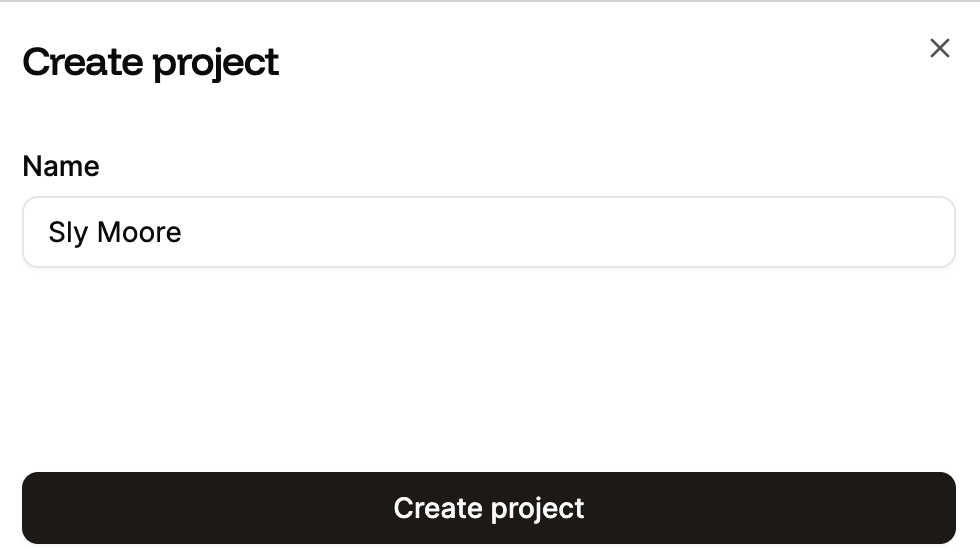
Create a new project in Sevalla.
Add services to a project
Once you’ve created your project, you can add applications, pipelines, databases, static sites, and object storage to the project. Select the project you want to add services to, click Create or add service, and you can then choose to add an existing service or create a new service to add to the project.Project Developers can only add new services to a project; they cannot add existing services.
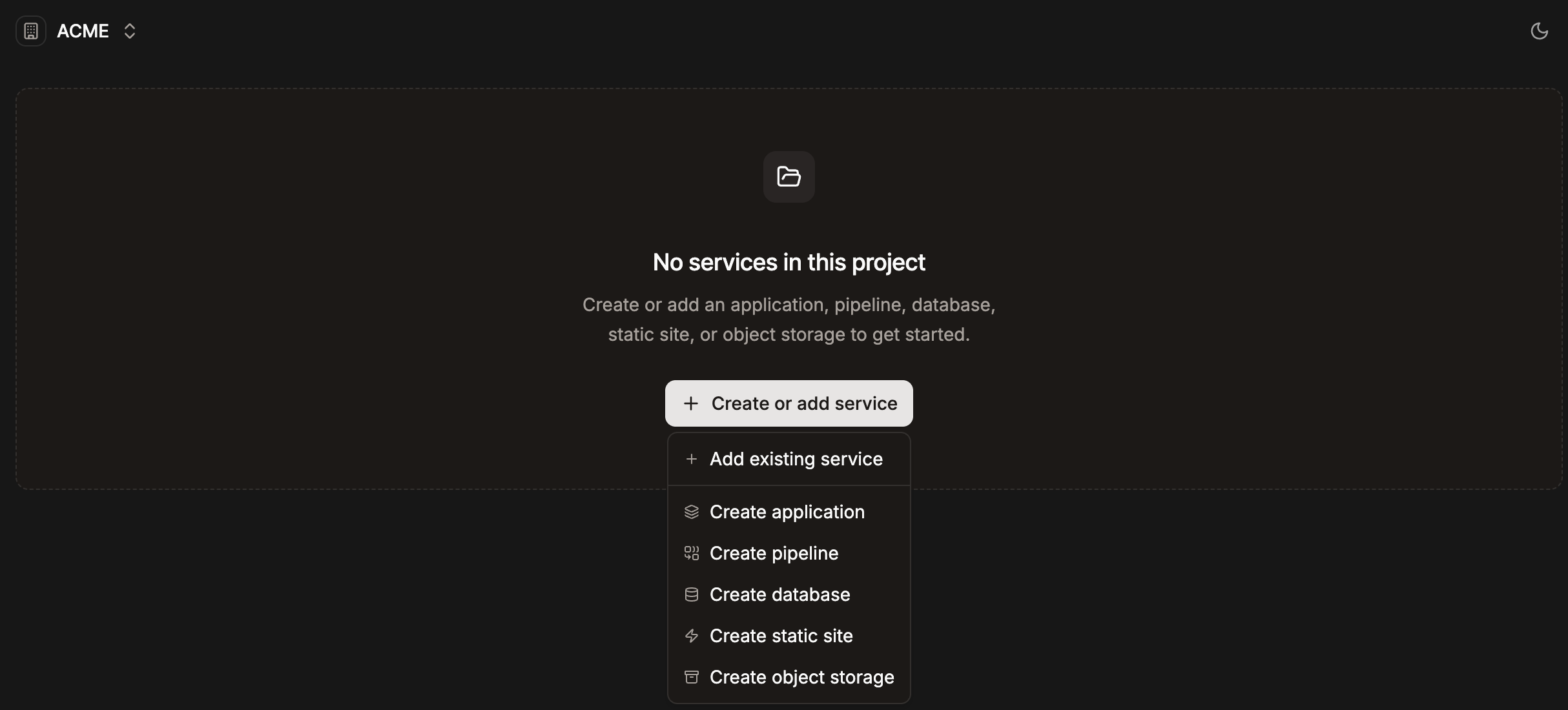
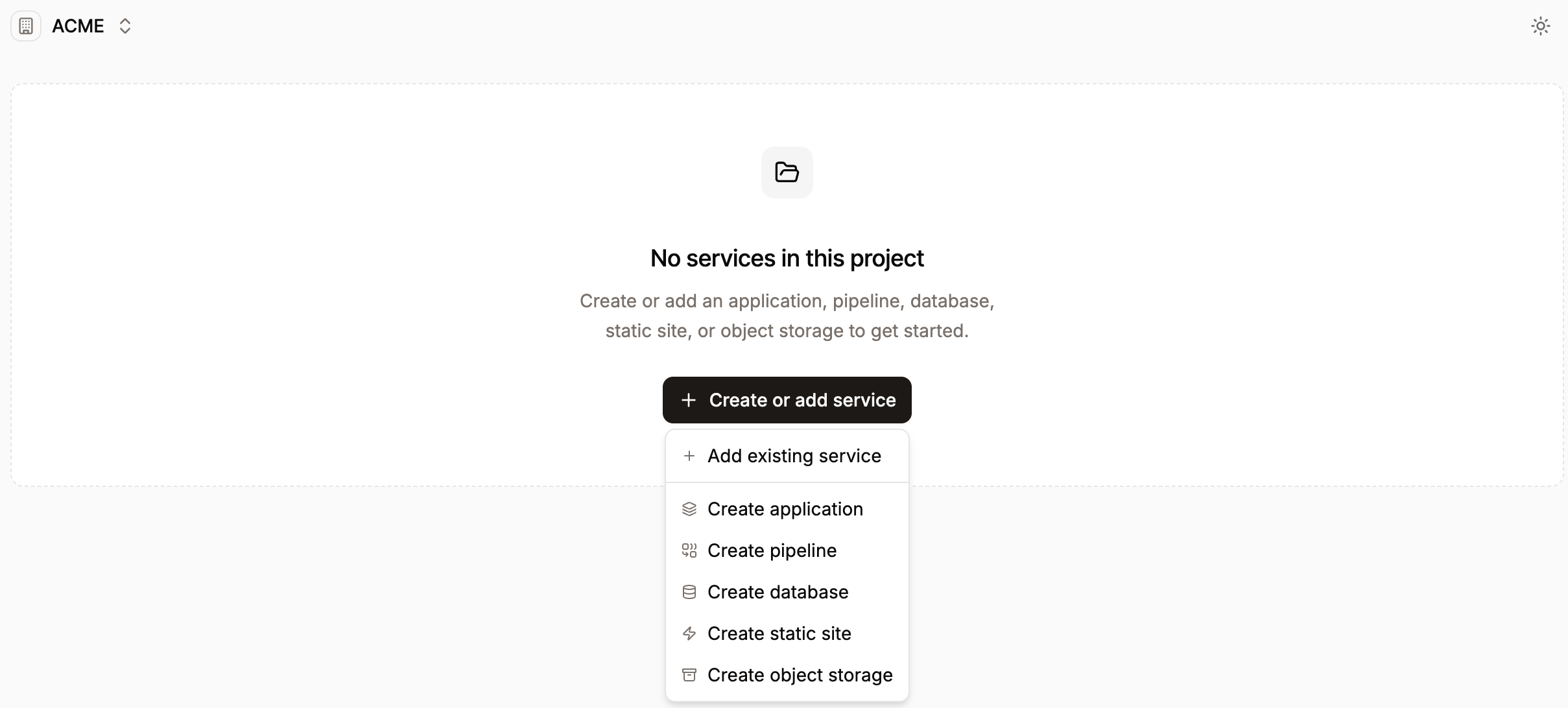
Add a service to a new project in Sevalla.
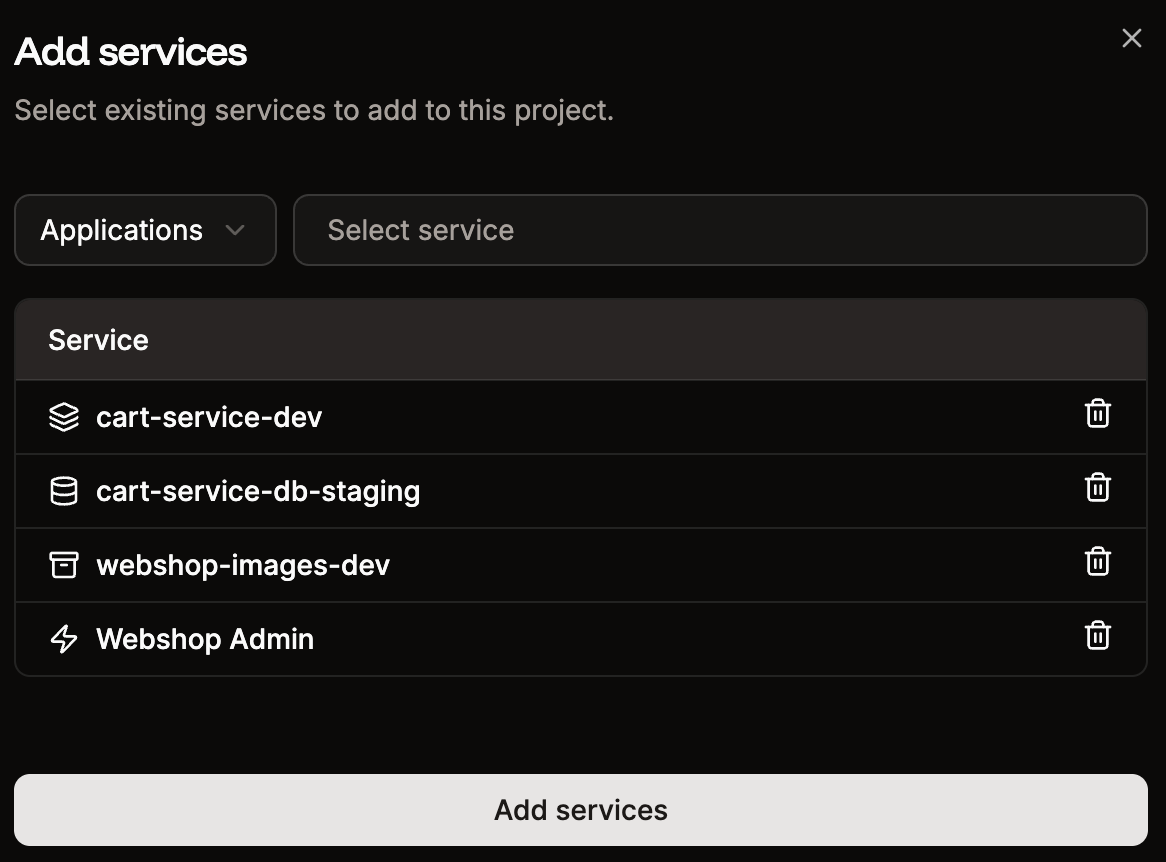
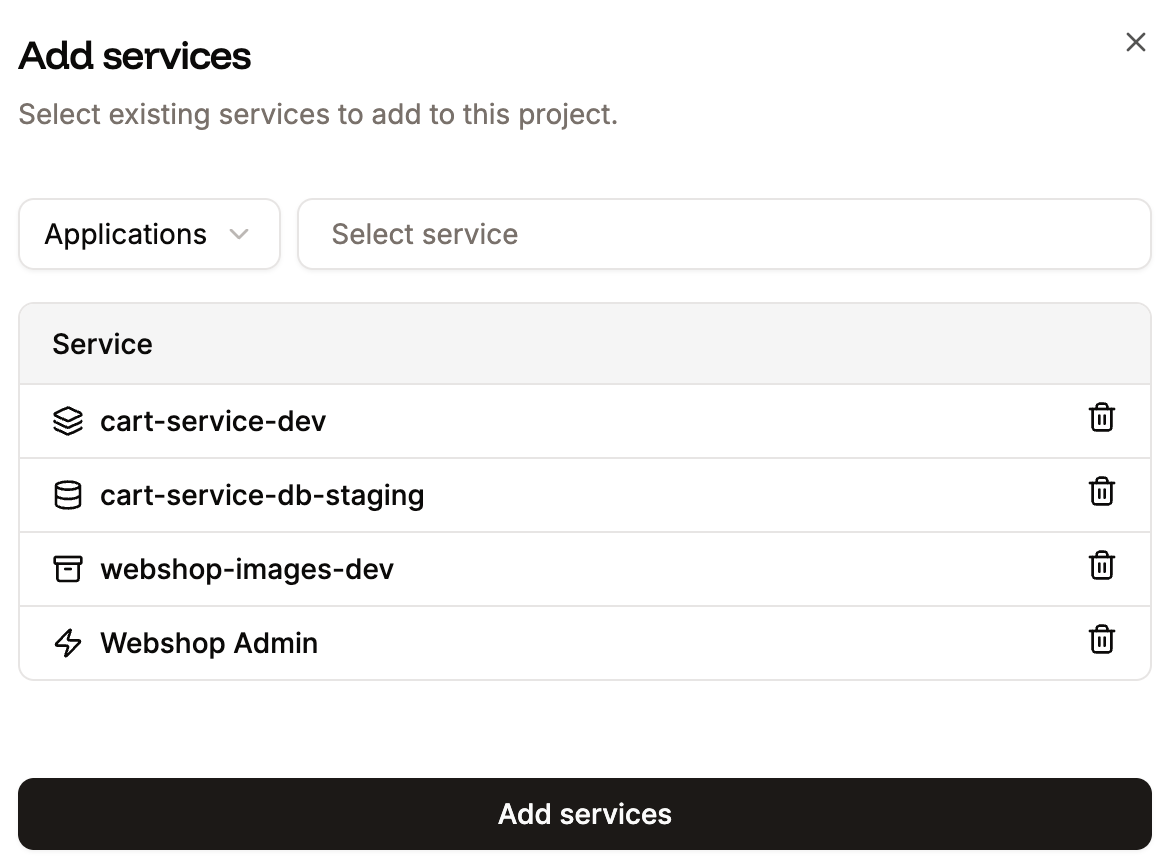
Add a service to a new project in Sevalla.
Remove services from a project
Project developers cannot remove services from a project.
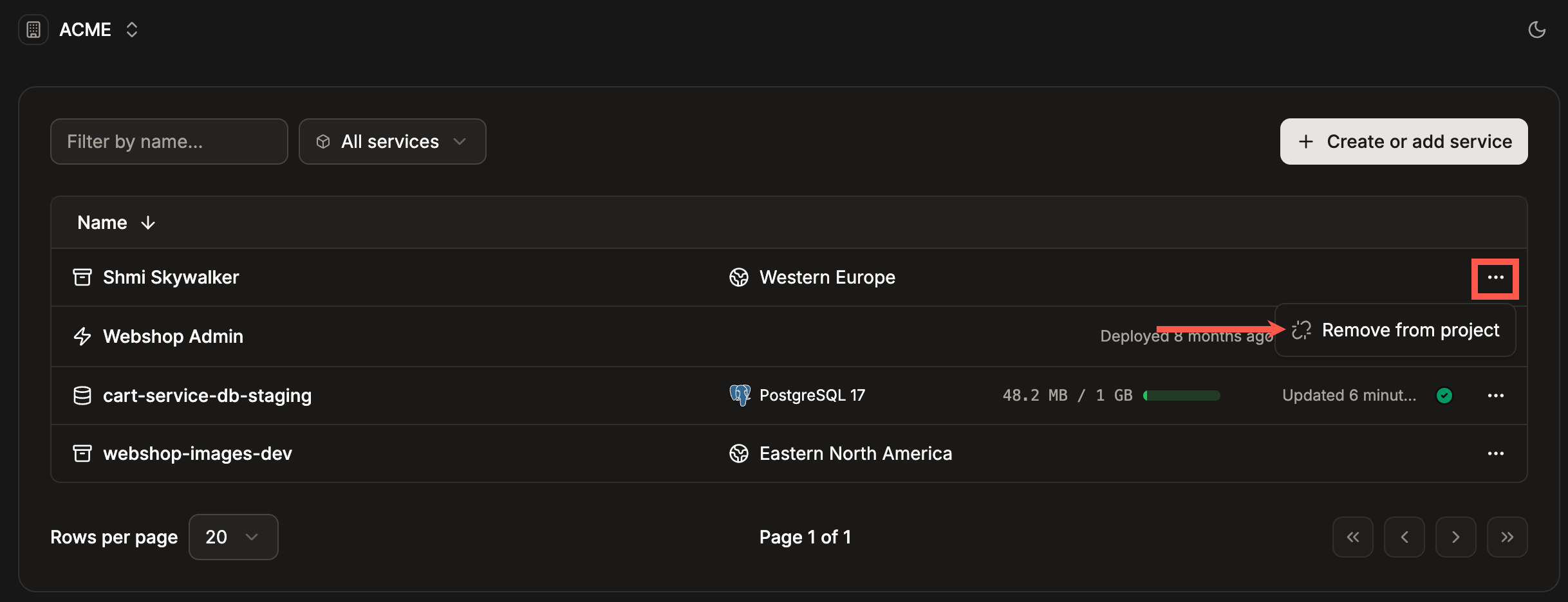
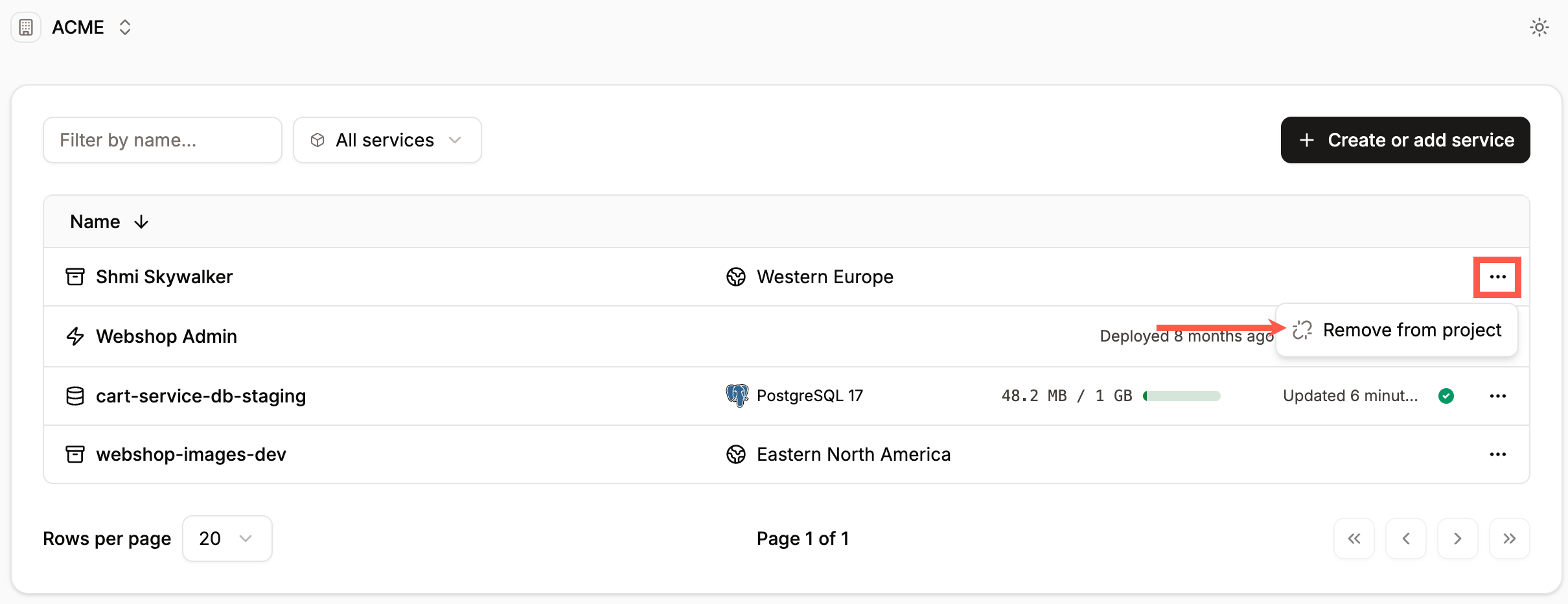
Remove a service from a project in Sevalla.