

Example application
The Sevalla Discord webhook example listens for events sent by Sevalla (such asAPP_DEPLOY or STATIC_SITE_UPDATE) and forwards them as notifications to a Discord channel using your Discord Webhook URL.
To use this example repository:
- Fork the repository on GitHub.
- Add an application with the repository in Sevalla.
- Create a Discord webhook.
-
Create a webhook in Sevalla for the
APP_DEPLOYevent, using a dummy webhook URL to obtain the webhook secret. -
Add the following environment variables
- Deploy the application. Once deployed, click View and copy the URL.
-
Update the webhook endpoint with the URL from the deployed application in the format:
https://your-app.sevalla.app/webhook
Create a webhook
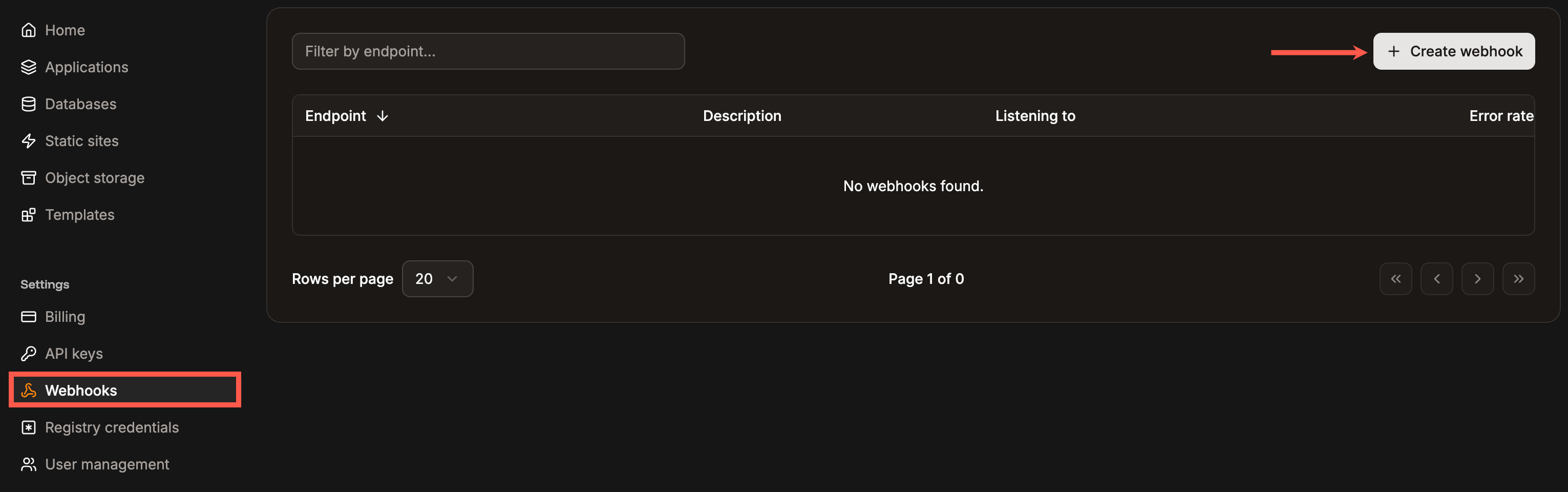
To create a webhook in Sevalla, go to Settings > Webhooks > Create webhook.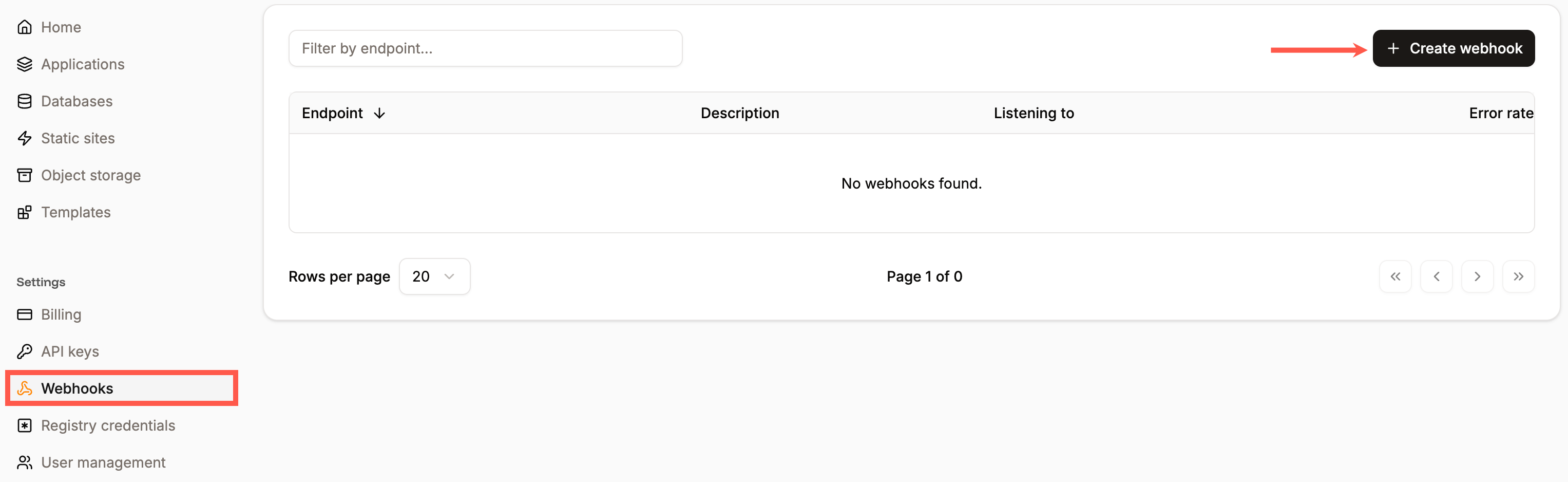
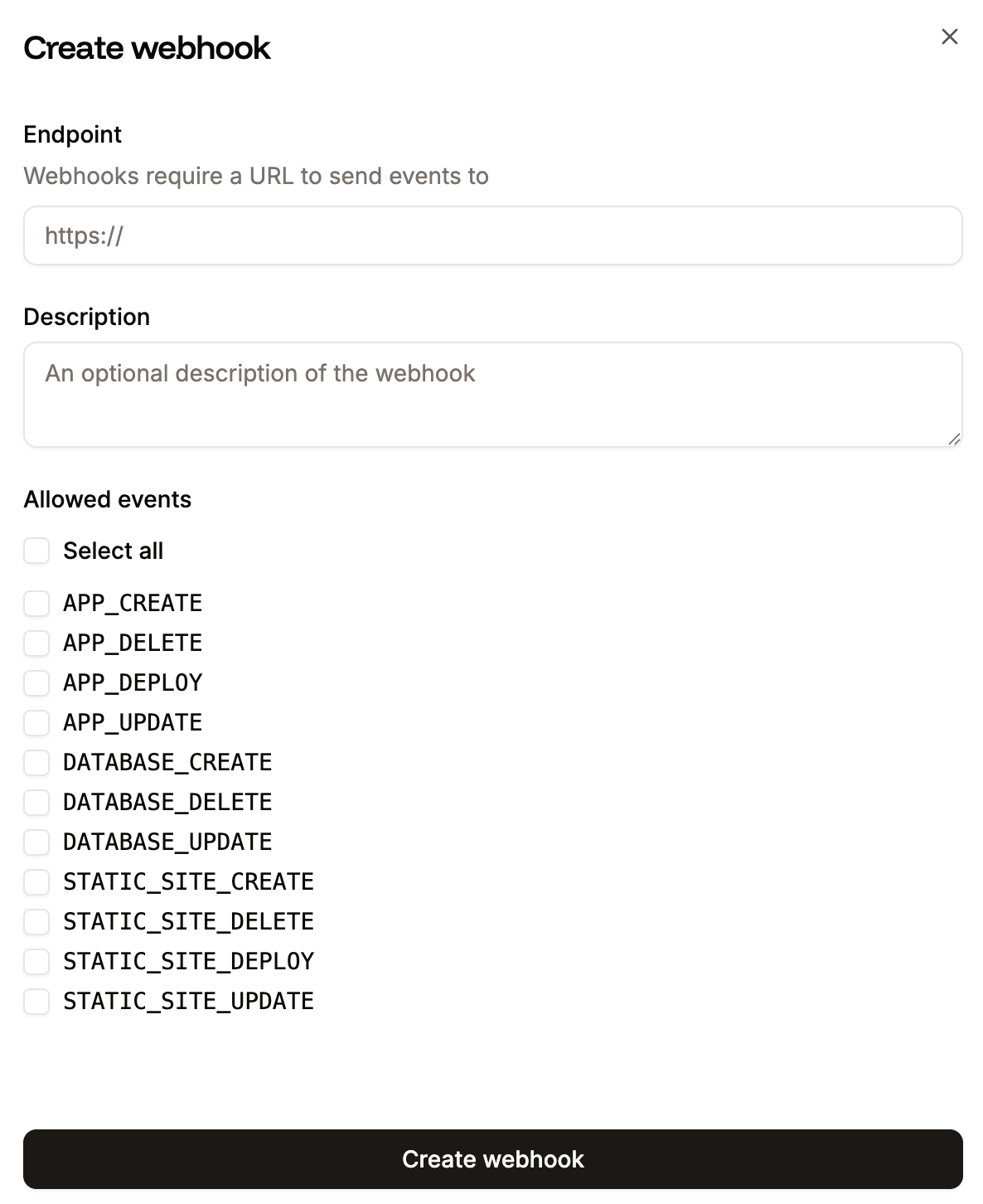
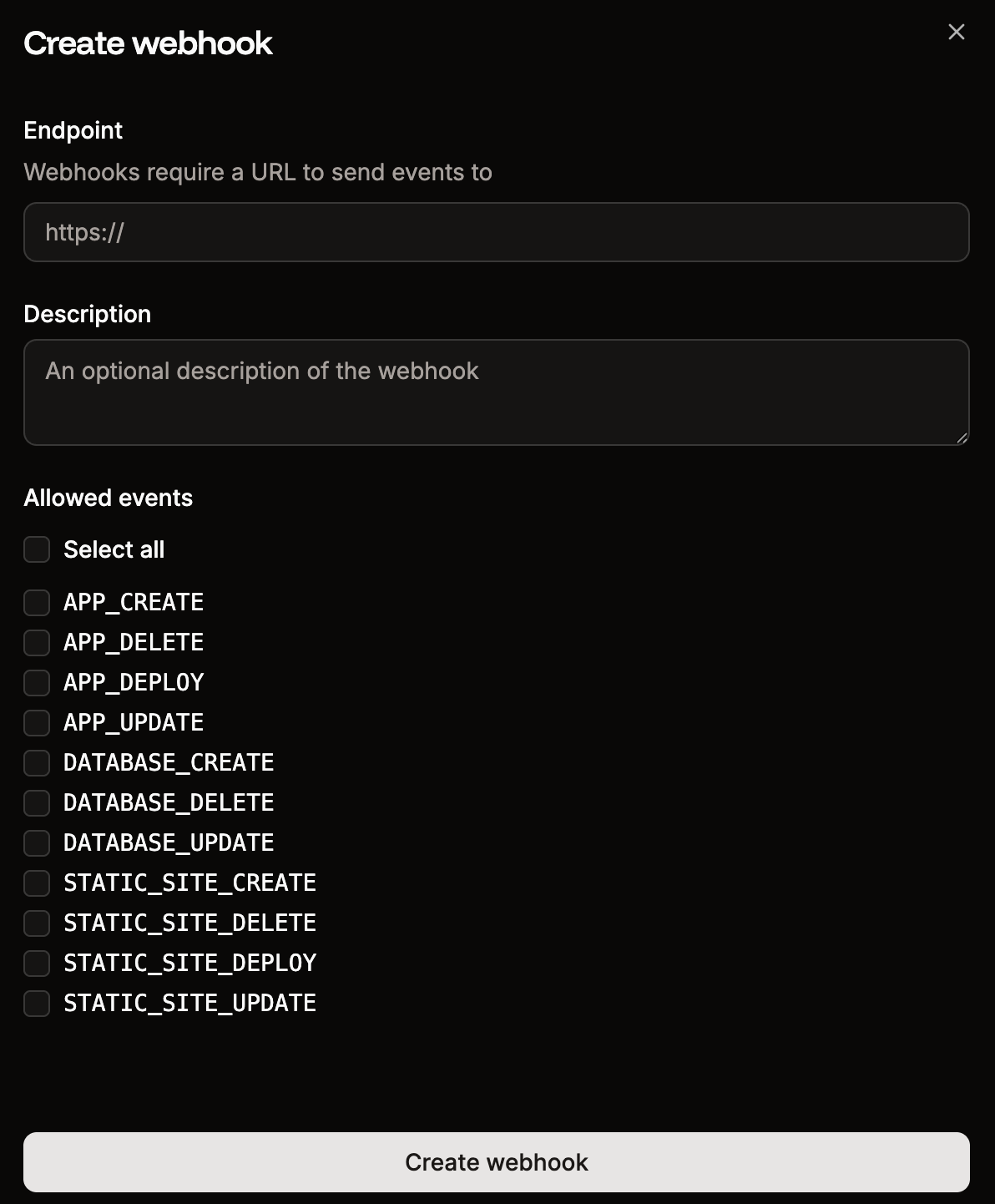
Create a new webhook in Sevalla.
- Endpoint: Enter the URL you want to send the requests to.
- Description: Add a description for the webhook.
- Allowed events: You can select all events or choose the events you want to send requests for from the following:
APP_CREATEAPP_UPDATEAPP_DELETEAPP_DEPLOYDATABASE_CREATEDATABASE_UPDATEDATABASE_DELETESTATIC_SITE_CREATESTATIC_SITE_UPDATESTATIC_SITE_DELETESTATIC_SITE_DEPLOY
Add the webhook details.
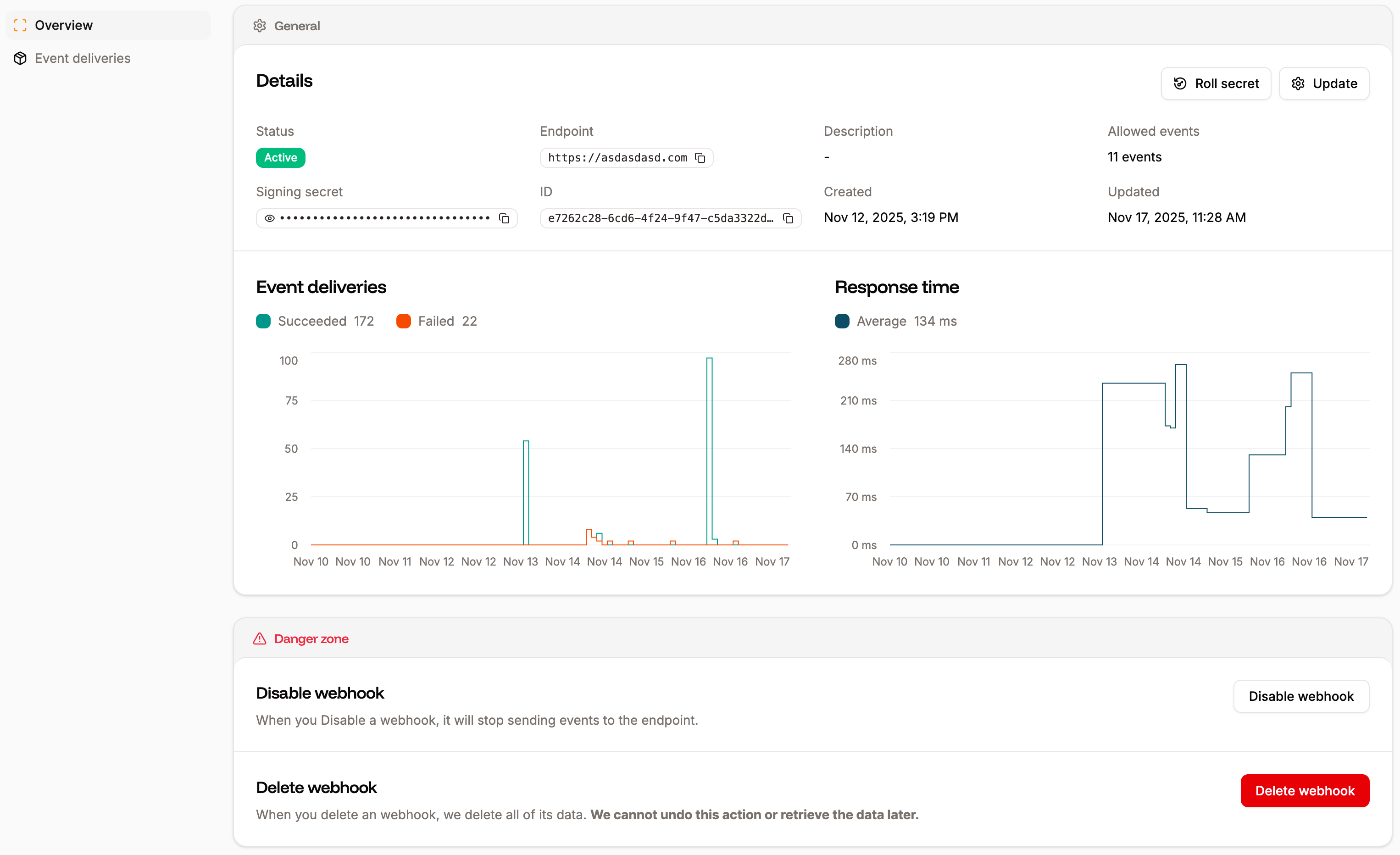
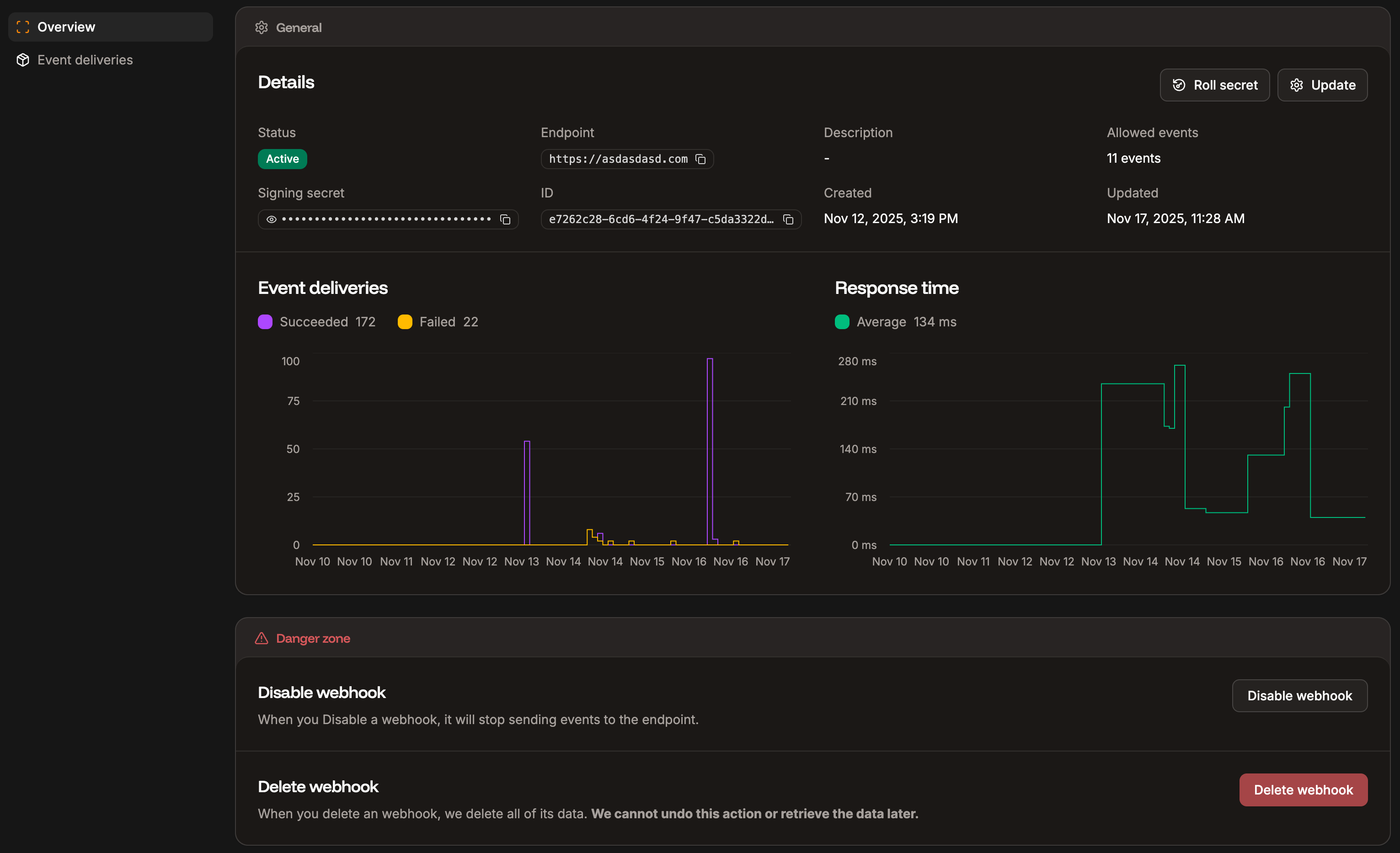
View and update the webhook.
Roll the webhook secret
To rotate your webhook secret, select the webhook and click Roll secret.

Roll the secret for the webhook.
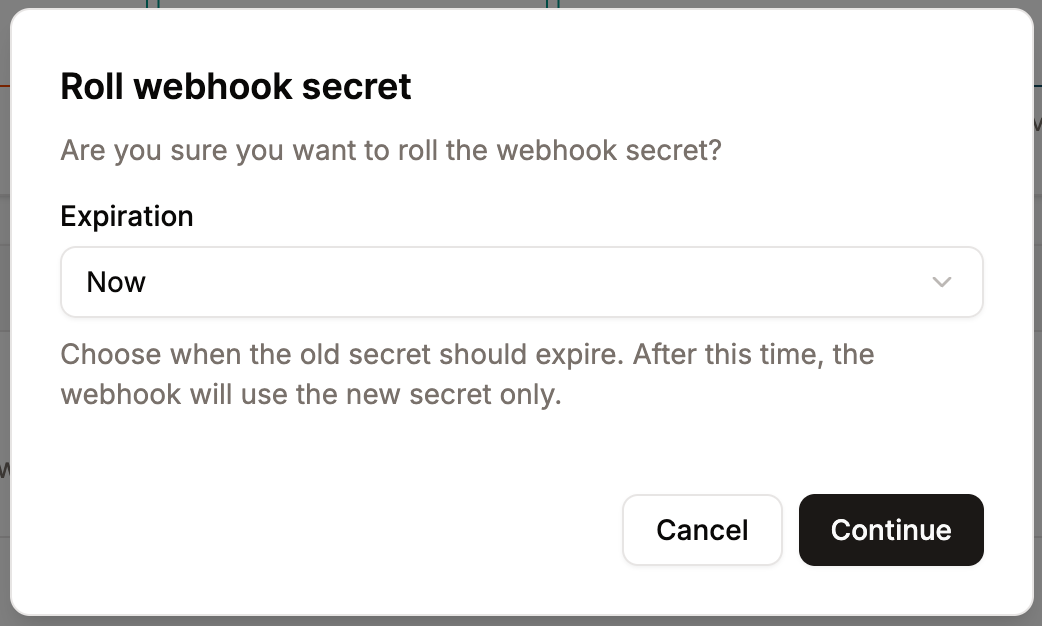
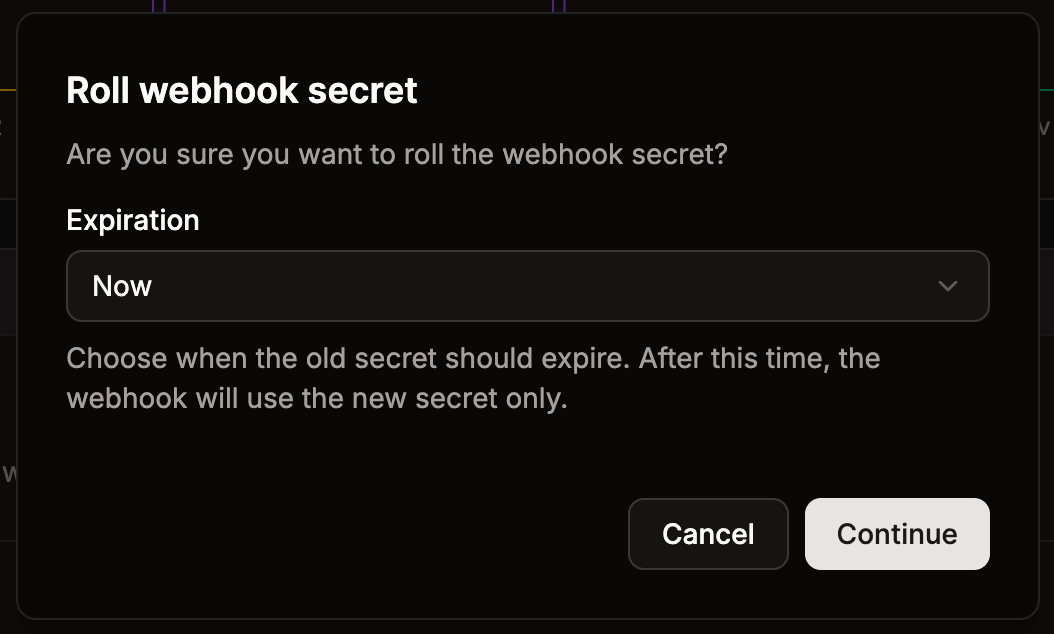
Select the expiration time for the old secret.
Update the webhook
To change the endpoint, description, or allowed events for the webhook, click Update.

Update the webhook details.
Event deliveries
You can inspect each request attempt within Event deliveries. This shows you the individual attempt details, the request that was made, and the response details.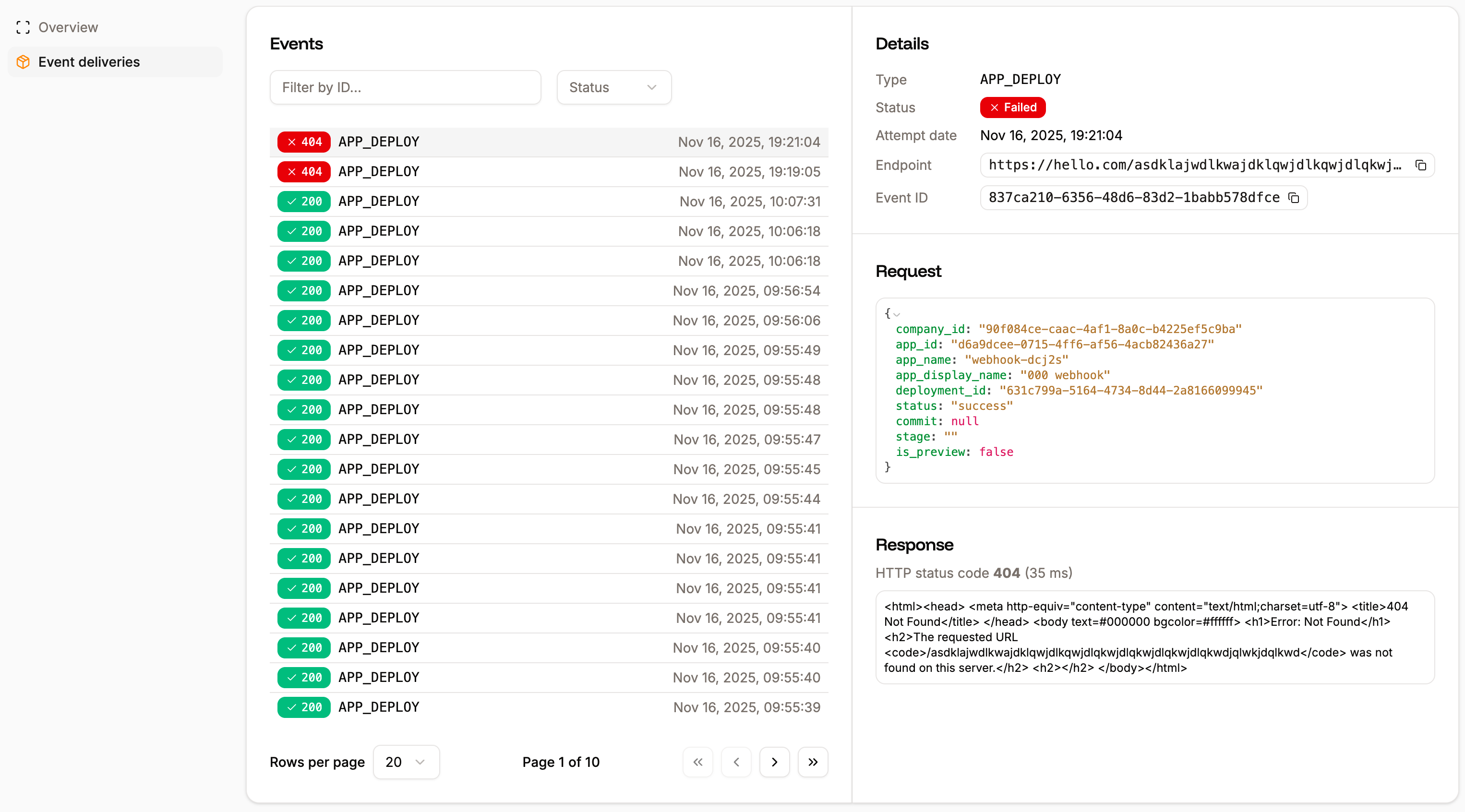
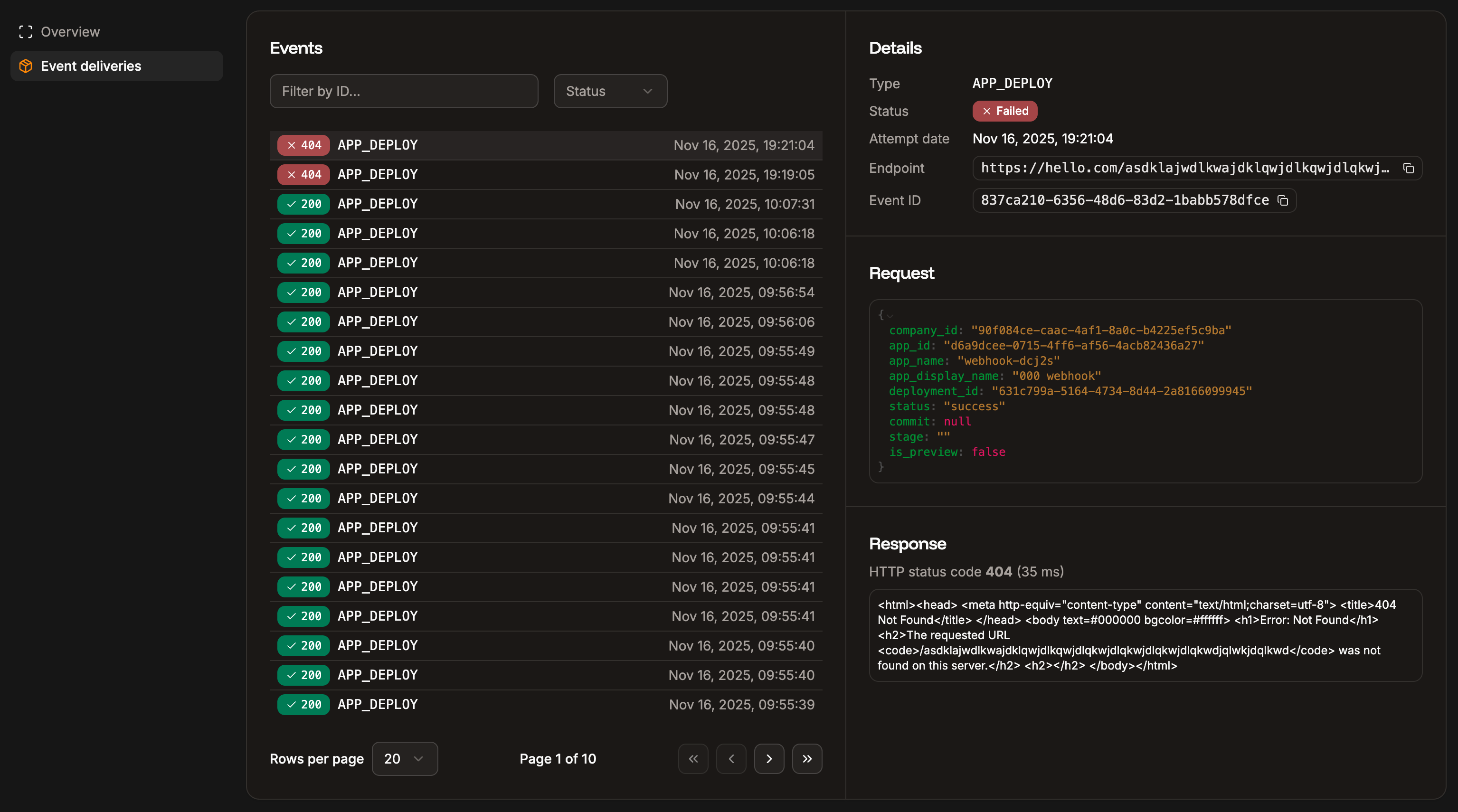
Webhook event deliveries.
Disable a webhook
To disable a webhook, within the webhook Danger zone, click Disable webhook and then click Continue. This stops the webhook from sending events to the endpoint. You can re-enable the webhook to start sending events again at any time.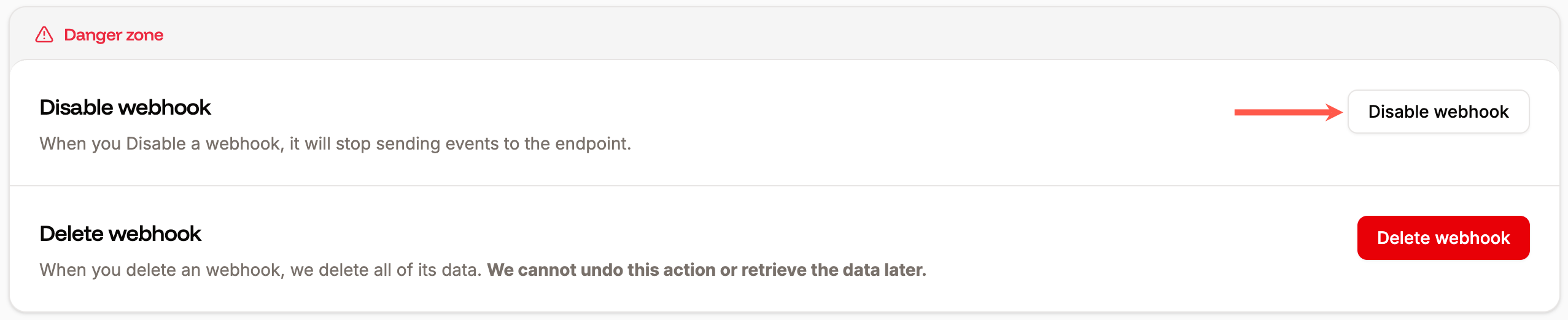
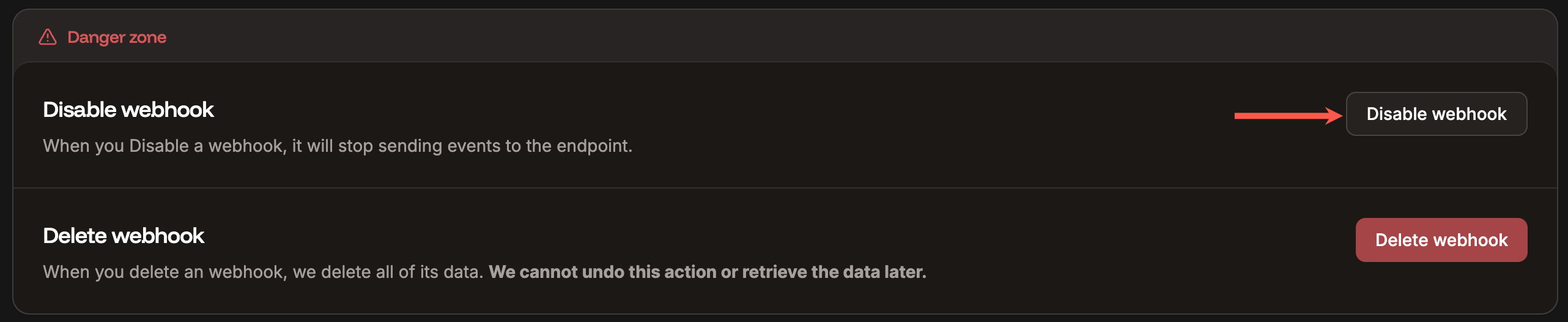
Disable the webhook.
Delete a webhook
To delete a webhook, within the webhook Danger zone, click Delete webhook and then click Continue. This completely removes the webhook and its data. This action cannot be undone, and the data cannot be retrieved once it has been deleted.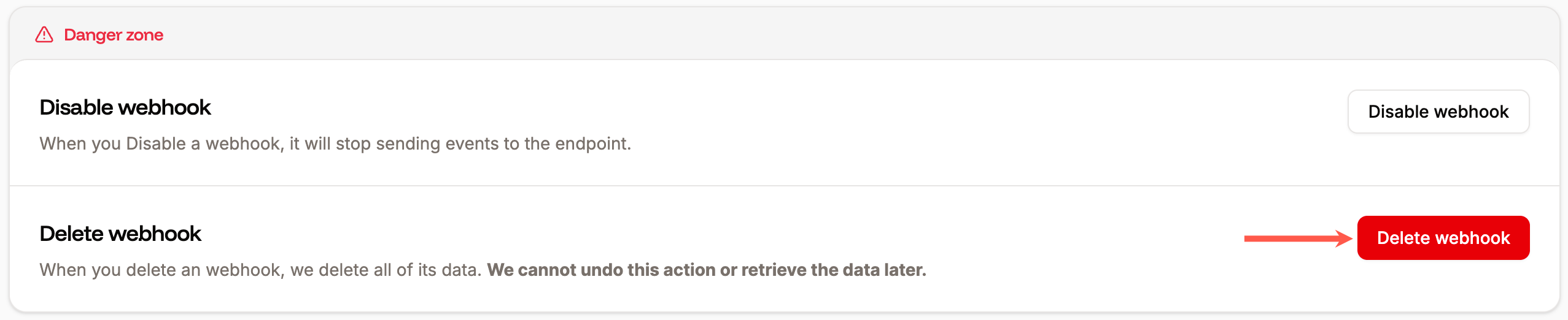
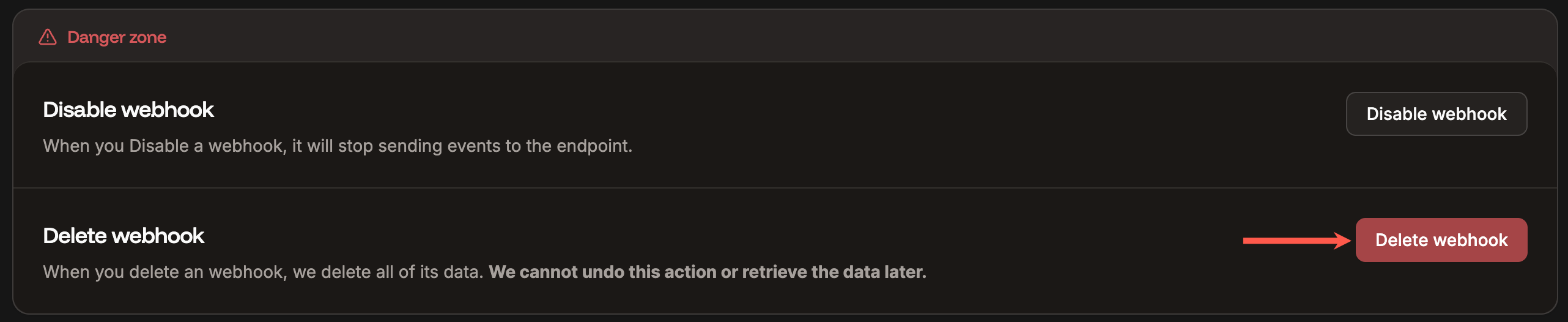
Delete the webhook.